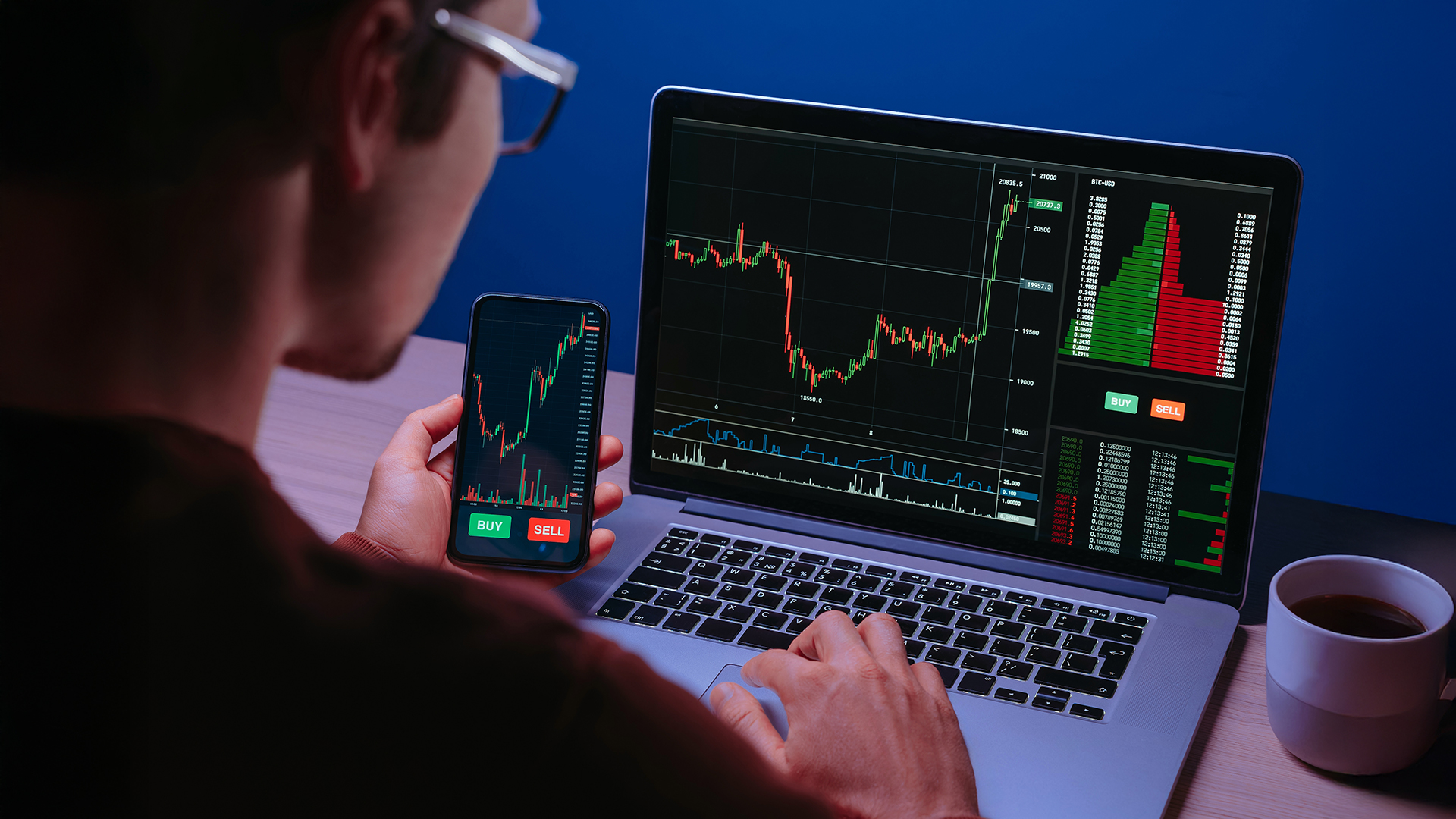




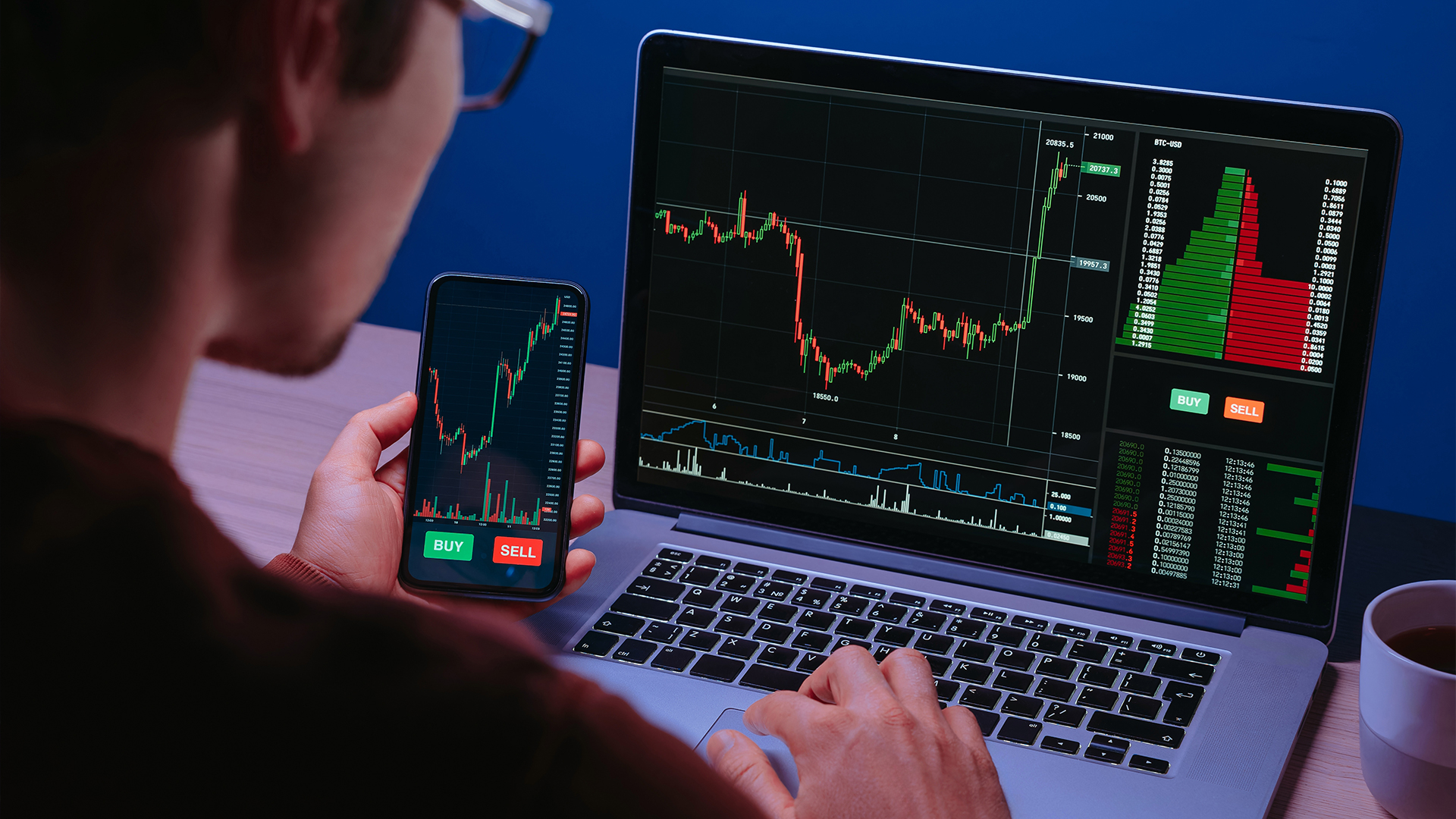
TradingView stands out as one of the most flexible and powerful platforms available today. It’s not just another charting tool, it combines resilient analytics, collaborative features like in app chat and tweet like sharing named (Ideas), as well as real time market data in a way that makes it useful for beginners and experienced traders in Lebanon alike.
TradingView is a web‑based charting platform that lets you analyze markets from your browser or mobile device. Unlike other platforms that “require” installation, TradingView is similar to mt5 in this aspect as it works smoothly online. You simply create an account, sign in, and you’re ready to start analyzing markets. It is also available for download as an application on both mobiles, desktops and offers as well dark mood.
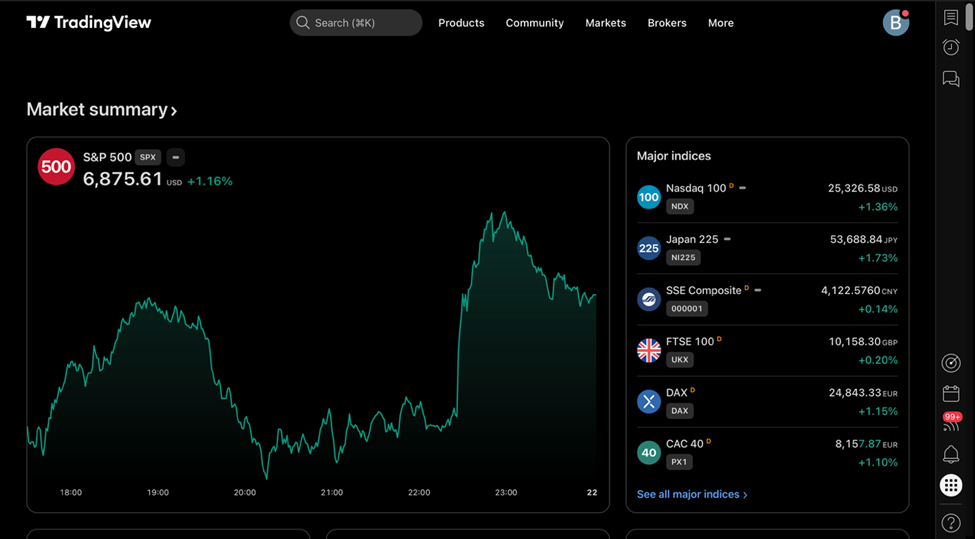 TradingView Web UI
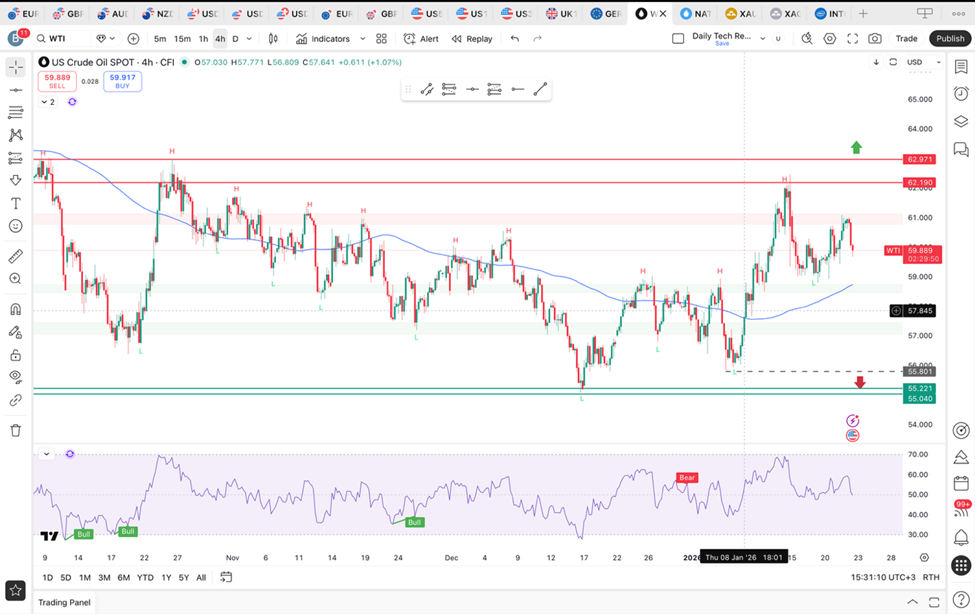 TradingView App UI
Its appeal lies not just in
accessibility, but in its blend of technical depth and intuitive design.
From basic candlestick charts to advanced technical studies as shown under,
TradingView platform gives you tools that grow with your skill level.
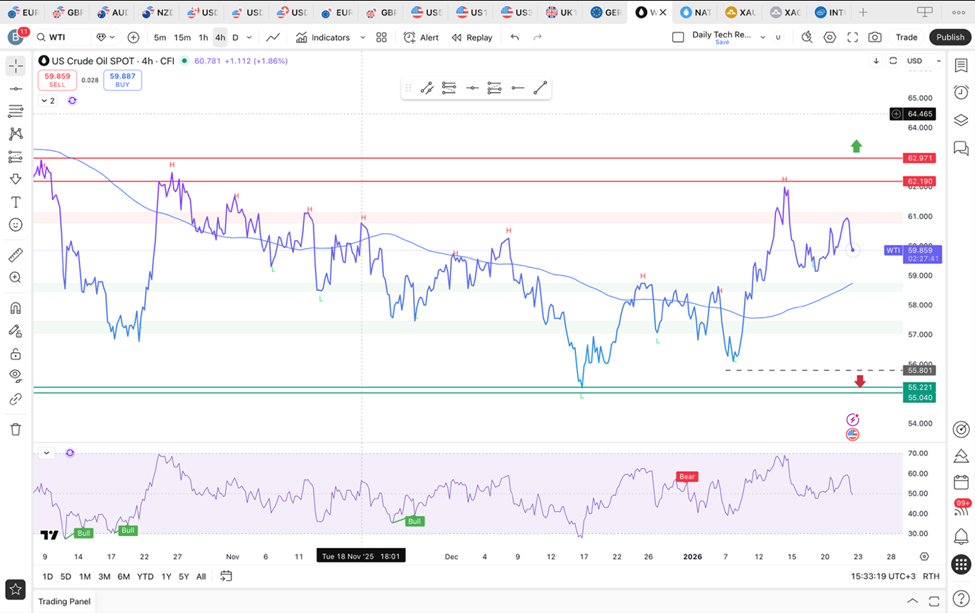
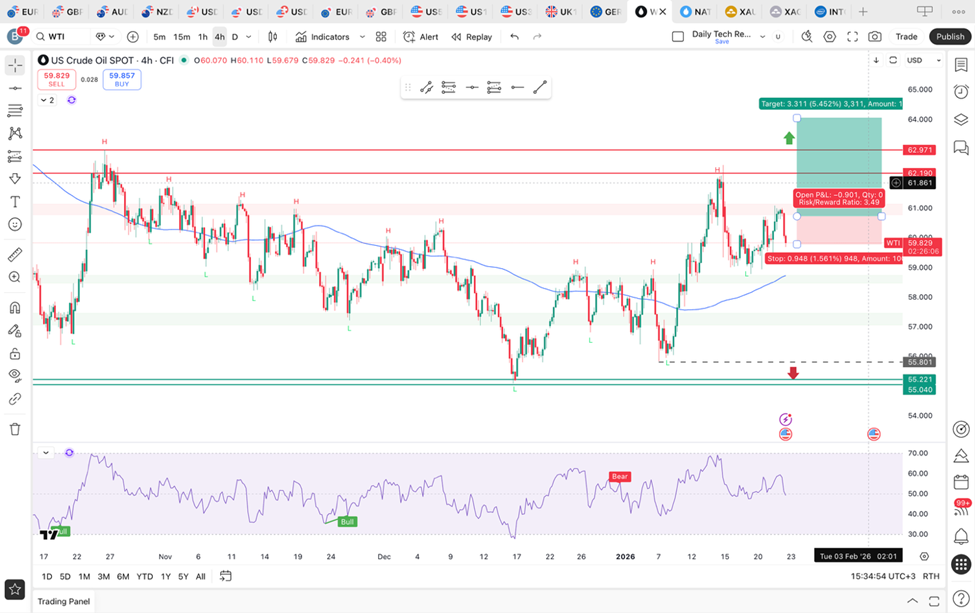
TradingView’s Charting Engine: Tools That Elevate Your Market Analysis
Now, The core of TradingView is its charting engine, which is widely regarded as one of the most user‑friendly and visually rich in the industry as shown above
Here’s some of what you can do:
- Switch between timeframes instantly, from one‑minute to monthly charts!
- Apply and customise technical indicators like moving averages, RSI, and more.
- Draw trend lines, support and resistance zones, Liquidity zones, Fibonacci retracements, and price patterns.
- Save multiple layouts so you can review different assets or strategies in the same workspace (as shown in the screenshots above, we can notice several tabs above, going from to EUR/USD pair to Stocks in the last tab.)
The idea behind it is simple: make it easy to visualize price action in a way that suits your trading style. Whether you prefer candlesticks or layered indicators and annotations, the interface just adapts, as well as dark mood can be set.
Technical Tools That Grow With You
- Indicators: If you’re learning technical analysis, you get access to lots of standard indicators out of the box.
- Custom Scripts: For more advanced traders, TradingView offers the Pine Script, a scripting language that lets you build your own indicators and alerts.
- Multiple Layouts: Traders often maintain several saved chart layouts — for example, one for trend setups, another for breakout scans, and another for multi‑timeframe analysis.
TradingView’s flexible platform makes it ideal for evaluating many asset classes, including forex, commodities, and equities, all in one place, and one of the things that sets TradingView apart is its ability to show real‑time market data across all those asset classes. You can also:
These features are amazing when you’re trying to consistently monitor setups or respond quickly to market moves.
Market Insights Beyond Charts: Tools That Keep You Informed on TradingView
Yet, TradingView isn’t just about trading charts. It offers market context that help you stay informed, including:
- Economic calendar: Keeps you aware of macro events that can influence markets, such as interest rate decisions or employment reports.
- Earnings calendars and financials: Useful if you also analyze stocks, so you see corporate events alongside price action.
- News feed and trader commentary: Helps you understand what other market participants are focusing on.
As shown under,
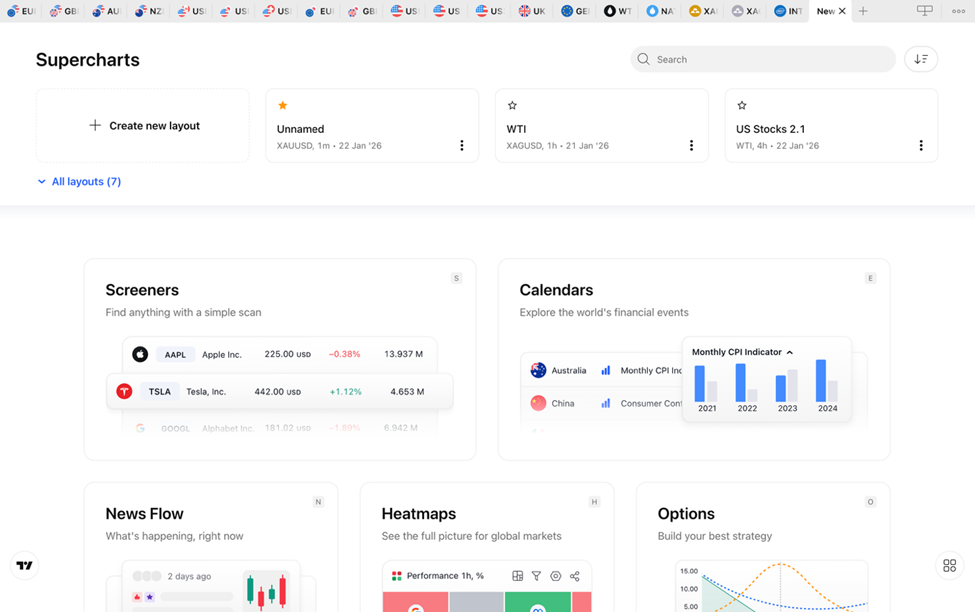
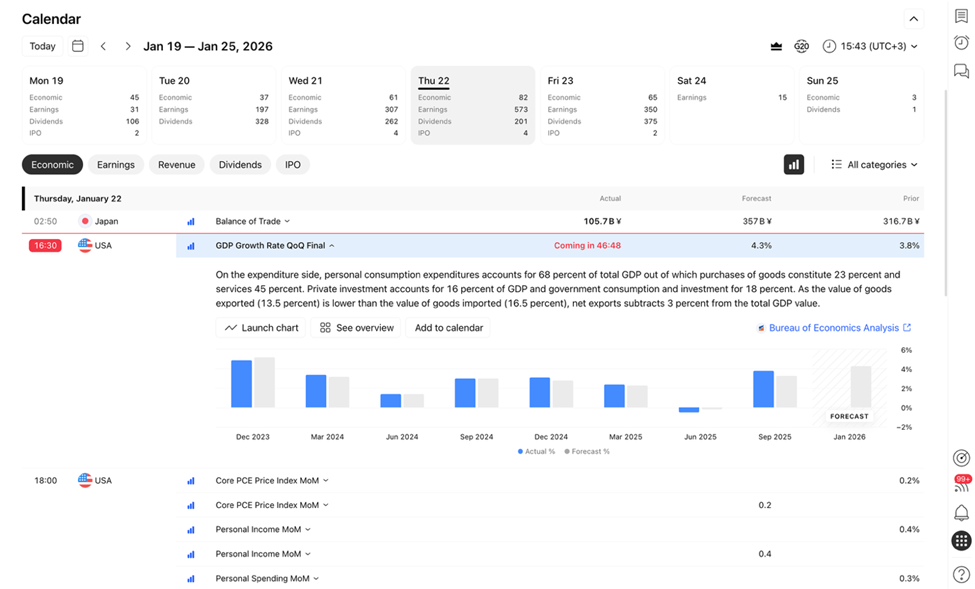
Having these tools in the same platform reduces the need to juggle multiple tabs or external sites.
Collaborative Learning and Community Features at TradingView Platform
One of TradingView’s biggest advantages is its active trading community. Which you can
- View annotated charts and trade ideas from other traders
- Publish your own analyses
- See how other people interpret the same price action
This social layer is especially helpful if you’re in the process of learning, backtesting and using a demo account, it’s like having a classroom of traders to compare notes with in real time.
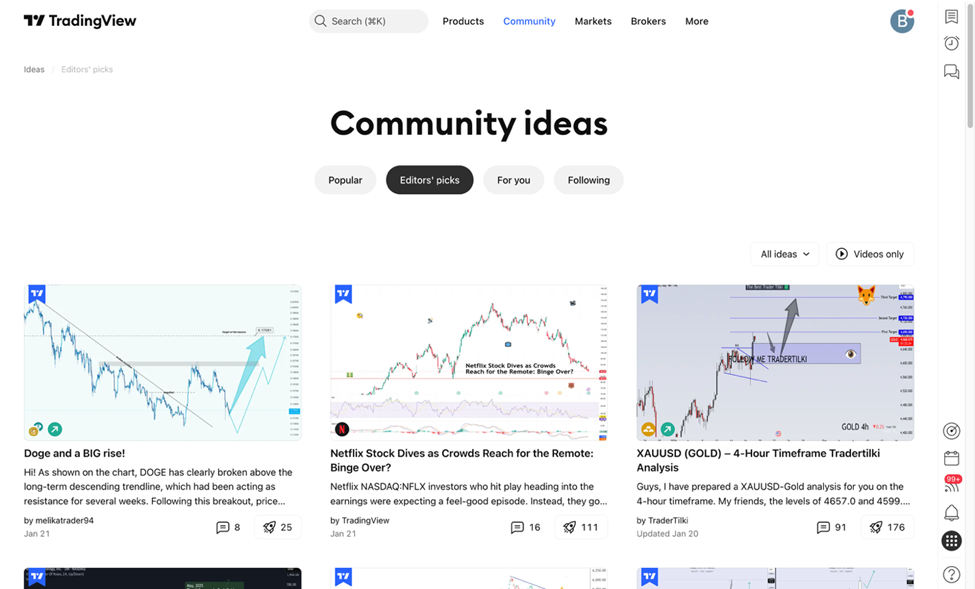
TradingView is more than just charting software, it’s an analytical ecosystem. Whether you’re just starting out or refining advanced strategies, it offers the tools, flexibility, and community support needed for smarter, more informed trading.
Things to be aware of
- Web‑based performance can vary with internet speed
- TradingView's Broker in Lebanon execution isn’t native unless linked via supported connections